

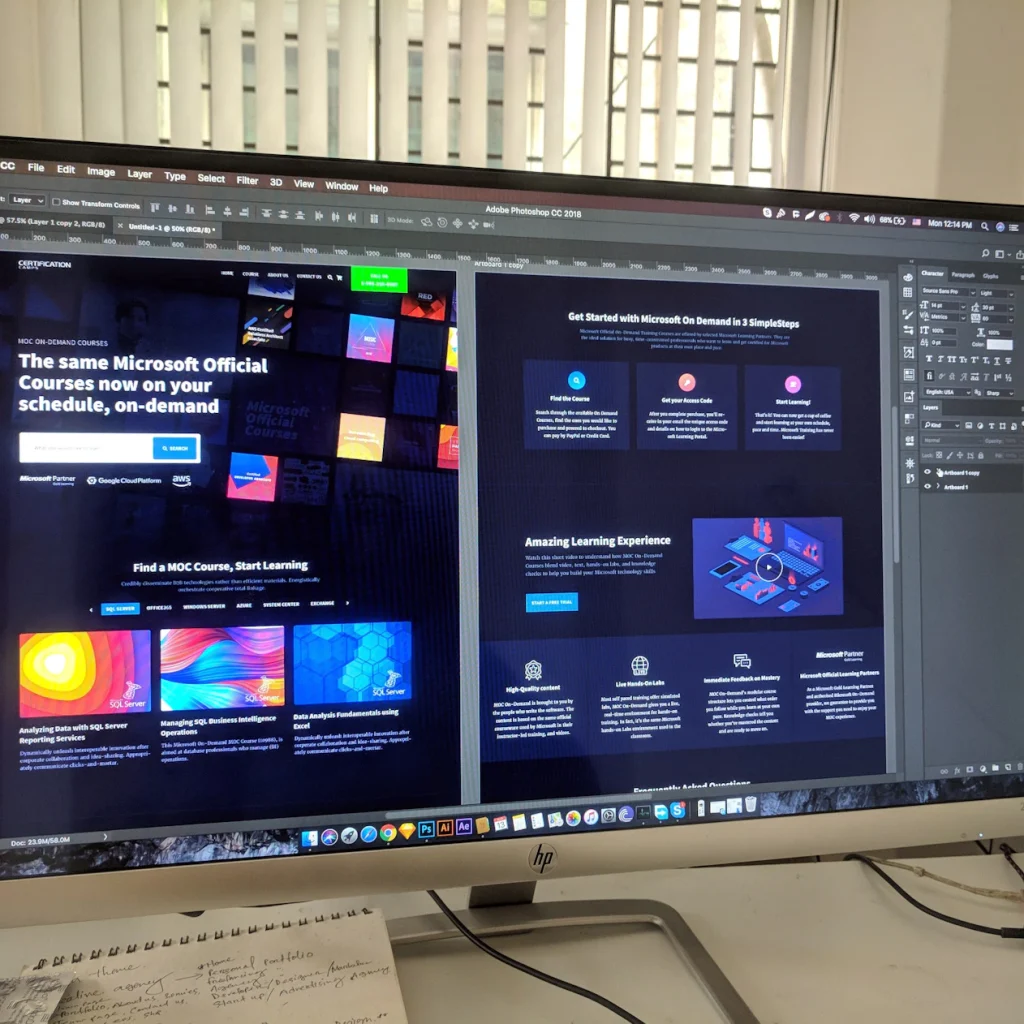
A homepage has to do a lot of jobs. A landing page has one job: get a specific visitor to take a specific action.
Local businesses use landing pages for ad campaigns, seasonal offers, event signups, and service-specific leads. When they work, the form fills. When they do not, you burn ad spend. Here is how I keep them simple and useful.
One offer, one audience
If the page tries to sell every service you offer, it will convert none of them well. Pick one offer: free consult, estimate request, downloadable guide, appointment booking.
Match the ad to the page
If someone clicks an ad about website redesign, do not send them to a generic homepage. Send them to a page that talks about redesign in the first screen.
Lead with the benefit, then the proof
Headline, short supporting line, then a clear button. After that, add proof: a testimonial, a short process, a couple of FAQs. Keep the form visible without making people hunt.
Remove exits that do not help
Busy nav menus and unrelated links pull people away. On a true landing page, limit navigation. Give them a way to contact you and enough information to feel safe doing it.
Make mobile the default test
Open the page on your phone. Can you read the headline without zooming? Is the button easy to tap? Does the form feel short? If not, fix that before you scale ads.
Track the real goal
Know what success means: form submit, call click, booking. Set up basic tracking so you can tell whether the page is doing its job after a week of traffic.
Common mistakes
Walls of text above the fold. Stock photos that do not match the offer. Forms that ask for a life story. Slow load times. No thank-you page or confirmation.
Need a landing page that fits your ads?
We build focused pages as part of a full site or as standalone campaign pages. If you want something clean that points visitors toward one clear next step, request a free consultation.